Printing your BanterBox
Your normal printer is all you need.
Your BanterBox is designed to print at home on the paper you already have. You do not need special card, professional equipment or a trip to the print shop to get the full game.
Print the PDFs, cut along the guides and you have everything you need to play.
If you are putting a bit more effort into the event and want the cards to feel a little more substantial, we will also show you a few simple ways to give the finished pack a more polished feel.
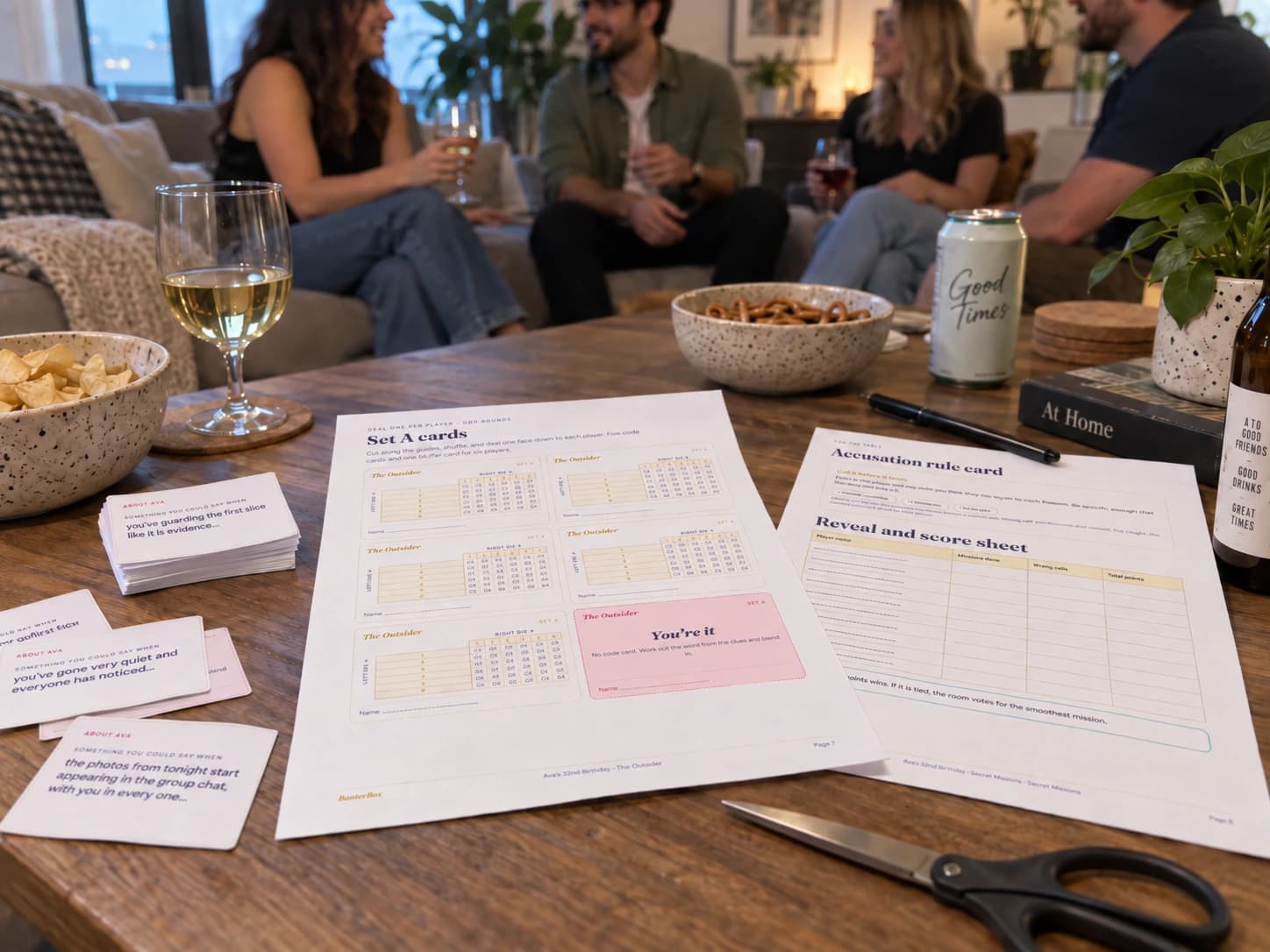
What you actually need
If you can print a document, you can print BanterBox.
There is no special setup hiding behind the download. For most people, everything you need is already at home.
A normal printer
Your home or office printer is fine. You do not need a photo printer or anything made for card crafting.
The paper already in your printer
Normal printer paper works for the entire pack, including the cards.
Something to cut with
The pages that need cutting already have guides, so there is nothing to measure.
Something to write with
You will need these for score sheets, answers and drawing games.
That is basically it. No laminator, no craft cupboard and no emergency trip to an office-supply store.
Before you hit print
Check these four settings and you are ready.
Your PDF is already laid out for you, so there is very little to change. The main thing is making sure your printer does not quietly resize the pages.
- Check: Paper sizeWhat to choose: Use the size shown on your PDF
Your PDF will already be set up as A4 or US Letter. Use whichever size is shown in the file.
- Check: ScaleWhat to choose: 100% / Actual size
This keeps the cards and cut guides at the size they were designed.
- Check: SidesWhat to choose: Single-sided
BanterBox does not rely on front-and-back alignment.
- Check: ColourWhat to choose: Colour looks best, but black and white works too
Colour is part of the look, not part of the rules. The games still work in black and white.
Watch out for “Fit to page”.
Many printers try to be helpful by shrinking a document slightly so it fits inside their printable area. For BanterBox, that can make the cards smaller and move the cut guides.
Choose 100% or Actual size instead. Your PDF also includes a 50 mm print check. If that line measures 50 mm on your first test page, your scale is right.
100% / Actual size
Not this: Fit to page
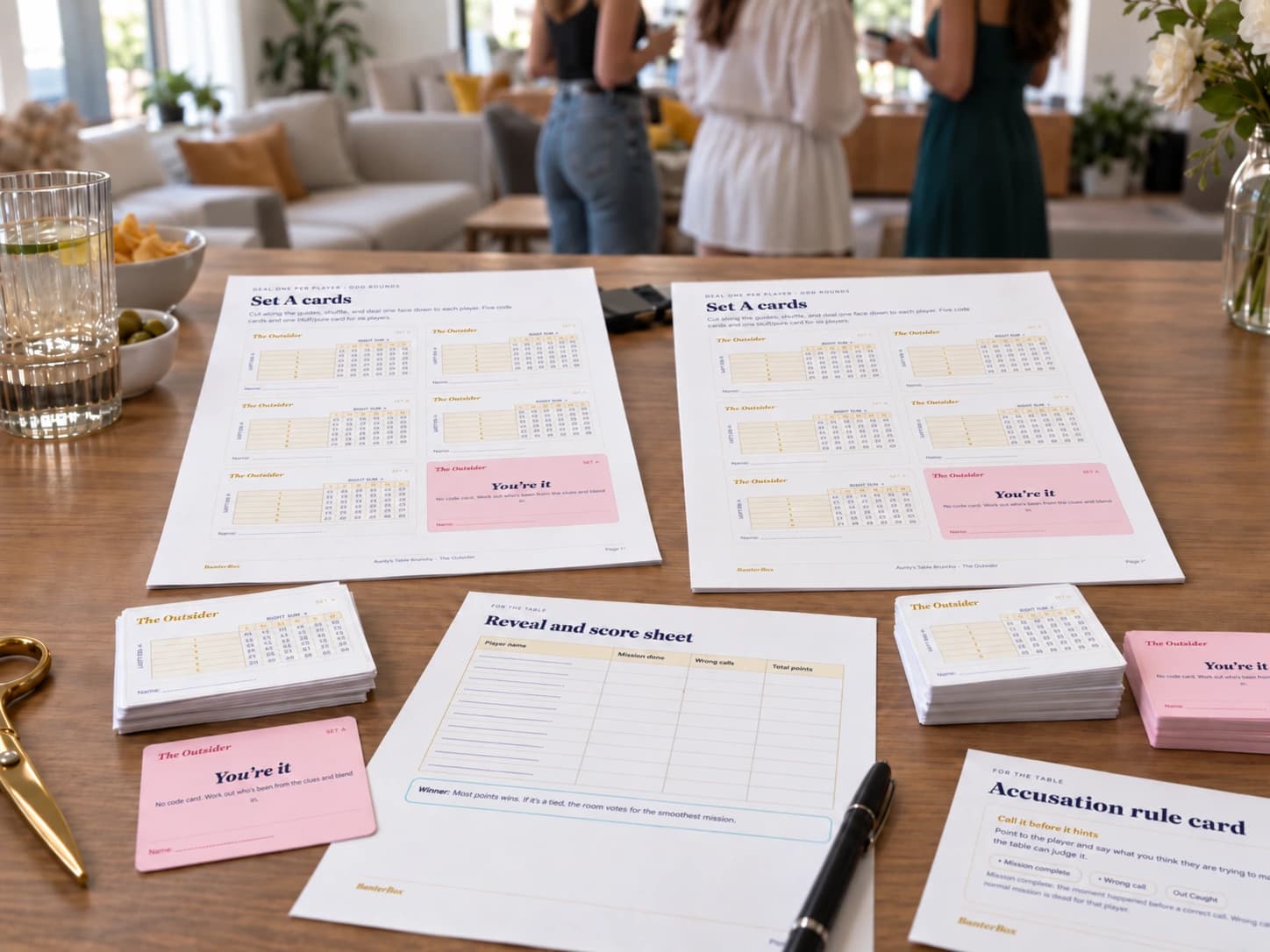
Want the cards to feel a little more special?
Normal paper works. Heavier paper is an optional finishing touch.
You can print the entire BanterBox pack on ordinary paper and get the full game. Nothing is missing and nothing plays differently.
For an event where you want the finished pack to feel a little more polished, you can use heavier paper for the cards people pick up and pass around.
Keep it simple
Pages you read and write on stay normal. Only the handled pieces change.
Normal printer paper
Best for anything you read, write or draw on.
Rules and instructions
Score sheets
Answer and drawing sheets
Normal paper works
Thicker matte paper feels nicer
Worth considering for the pieces people pick up and pass around.
Mission cards
Question cards
Small cut-out pieces
If you do not want to think about any of this, print everything on normal paper. Seriously. Cut it out and play.
If you want a more polished finish
Thicker printer paper, not industrial cardboard.
Think of a nice invitation or a restaurant menu insert. Firmer than a normal sheet of paper, still easy to print on. Here is the whole range, from lightest to heaviest.
Normal printer paper
Use this for the whole pack if you want. It works perfectly well.
Thicker paper at home
Nice for the cards if your printer can handle it.
If the packet lists paper weight, around 160-220gsm is a useful range for many home printers.
Heavier card at a print shop
Best if you want the handled pieces to feel closer to commercial game cards.
Ask for white matte card around 250-300gsm.
Whichever you choose, skip glossy photo paper. Matte is easier to read, easier to handle and much less interested in collecting fingerprints.
Rather let someone else print it?
Any good document or copy shop should be able to handle BanterBox.
Useful if you do not have a printer, you are low on ink, or you want the cards on heavier card than your own printer will take. You do not need a specialist board-game printer. This is still a normal PDF print job.
The places below are examples, not BanterBox partners. If you already have a local printer you trust, use them.
Australia
Officeworks: Document printing with heavier paper and card options.
Document printing + thicker paper/card options
New Zealand
Warehouse Stationery: Document printing with a choice of paper weights.
Document printing + heavier paper
United States
Staples: Document and cardstock printing.FedEx Office: Document printing with multiple paper options.Office Depot: Document and cardstock printing.
Document and cardstock printing
Canada
Staples Print: Custom document printing, including cardstock.
Document printing + cardstock
United Kingdom
Ryman: Straightforward high-street document printing.
Straightforward document printing
Ireland
Reads: Simple document printing on a choice of paper.Printmania: Document and card printing in one order.
Document and card printing
India
Printo: Document and card printing, online and in store.
Document and card printing
Singapore
Orange Print: Document printing on a range of paper weights.
Document and heavier-stock printing
Japan
FamilyMart: Quick ordinary-paper printing.
Quick ordinary-paper printing
Anywhere else
Any normal copy or document-printing shop should be able to help
These are examples, not paid partners. Options vary by location.
You do not need to explain BanterBox to the person behind the counter.
Show them this on your phone or copy it into an email. They only need the PDF and the printing instructions.
BANTERBOX PRINT BRIEF
- I have a printable party-game PDF.
- Please print the PDF at the page size already set in the file - A4 or US Letter.
- Print at 100% / Actual size. Do not use Fit to page or Shrink to fit.
- Print single-sided.
- Full colour is preferred, but black and white is completely fine.
- For pages containing cards, please use white matte card around 250-300gsm if available.
- Rules, score sheets and pages people write or draw on can stay on normal white uncoated paper.
- Please leave the pages loose and keep the printed cut guides visible. No binding is needed.
Last bit
The cutting looks like more work than it is.
Every page that needs cutting already has guides printed on it. You do not need to measure the cards or line anything up yourself.
Step 1
Start with the full sheet
Keep everything together while you make the first long cuts.
Step 2
Cut the long lines first
Work across the page in rows or columns while the remaining guides are still lined up.
Step 3
Separate the individual cards
Finish the shorter cuts and the printed guides disappear with the offcuts.
Scissors are completely fine. A paper trimmer is quicker and gives straighter cuts if you already own one. Some print shops can also trim the pages for you, so ask if you would rather skip this part entirely.
If something looks odd
Most printing problems have a very boring fix.
- What happened?: The cards look smaller than expectedWhat to do: Check that the PDF is printing at 100% / Actual size and that Fit to page is switched off.
- What happened?: The 50 mm print check is not 50 mmWhat to do: Something has scaled the PDF. Fix the scale before printing the rest of the pack.
- What happened?: Thicker paper keeps jammingWhat to do: Your printer probably does not support that thickness. Use normal paper, try something lighter or send the card pages to a print shop.
- What happened?: The colours look different from the screenWhat to do: That is normal. Screens, printers, ink and paper all reproduce colour slightly differently.
- What happened?: I only have a black-and-white printerWhat to do: Use it. Colour makes the pack look nicer, but the games do not depend on it.
- What happened?: I printed everything on normal paperWhat to do: Perfect. Cut it out and play.
- What happened?: I do not want to cut everything myselfWhat to do: Ask your local printer whether they offer trimming or guillotine cutting.
Still fighting with the printer?
Printers have a remarkable talent for making something simple feel personal. If yours is winning, check the FAQ or get in touch and tell us what is happening.